

How to Get More Sales from WhatsApp: 9 Powerful Whatsapp Lead Management Strategies
WhatsApp can be a valuable channel for business conversations, but managing dozens or hundreds of contacts without a clear system can quickly become overwhelming. Messages get buried, potential customers are forgotten, and follow-ups happen too late. That is where WhatsApp lead management becomes useful.
Instead of treating every conversation as an isolated message, you can build a repeatable process for organizing contacts, recording customer needs, prioritizing follow-ups, and measuring sales progress. Tools such as ContactGrab can help you export eligible contacts from WhatsApp Web into structured files, making it easier to organize information outside the chat interface.
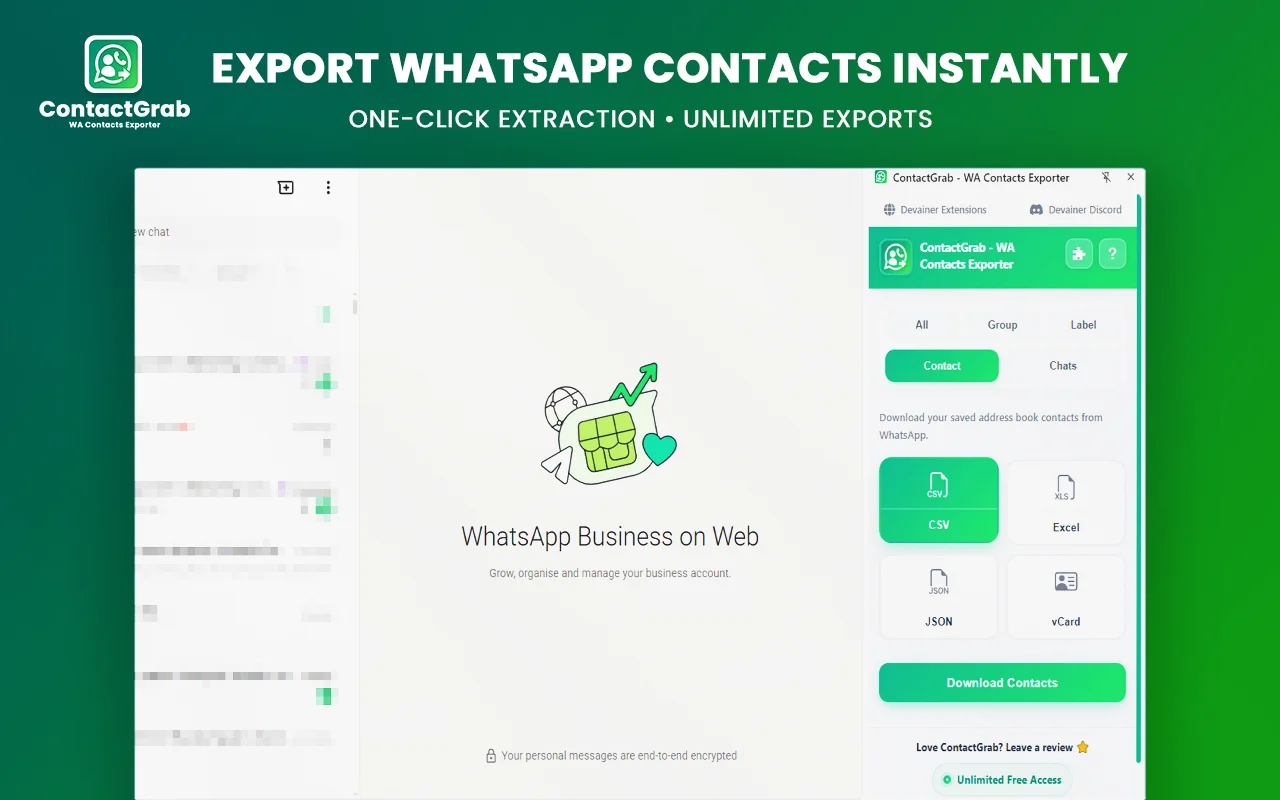
However, exporting contacts is only one part of the process. You still need a clear workflow, relevant communication, accurate records, and respect for privacy. This guide explains nine practical strategies to improve your sales process without relying on spam, unrealistic income promises, or complicated software.
What Is WhatsApp Lead Management?
WhatsApp lead management is the process of organizing business contacts and potential customers, understanding their needs, tracking conversations, and deciding what action should happen next.
A simple system might record a contact’s name, business relevance, inquiry, current status, last interaction, and planned follow-up date. Depending on your business, you might use a spreadsheet, a contact management application, or a dedicated customer relationship management (CRM) platform.
The goal is not to collect as many phone numbers as possible. The goal is to help your team handle legitimate inquiries consistently and avoid losing opportunities because important information is scattered across conversations.
For small businesses, a well-designed WhatsApp lead management workflow can begin with a spreadsheet and a few clear rules. As the number of prospects grows, the same process can be expanded into a more advanced system.
1. Organize Your Business Contacts in One Place
The first step is to create a reliable contact list. When business information is scattered across saved contacts, group conversations, and different chat threads, it becomes difficult to see whom you should contact and why.
Start by identifying the contacts that are genuinely relevant to your business. Depending on your permissions and the tools available, you may be able to export eligible contacts from WhatsApp Web and organize them in a spreadsheet.
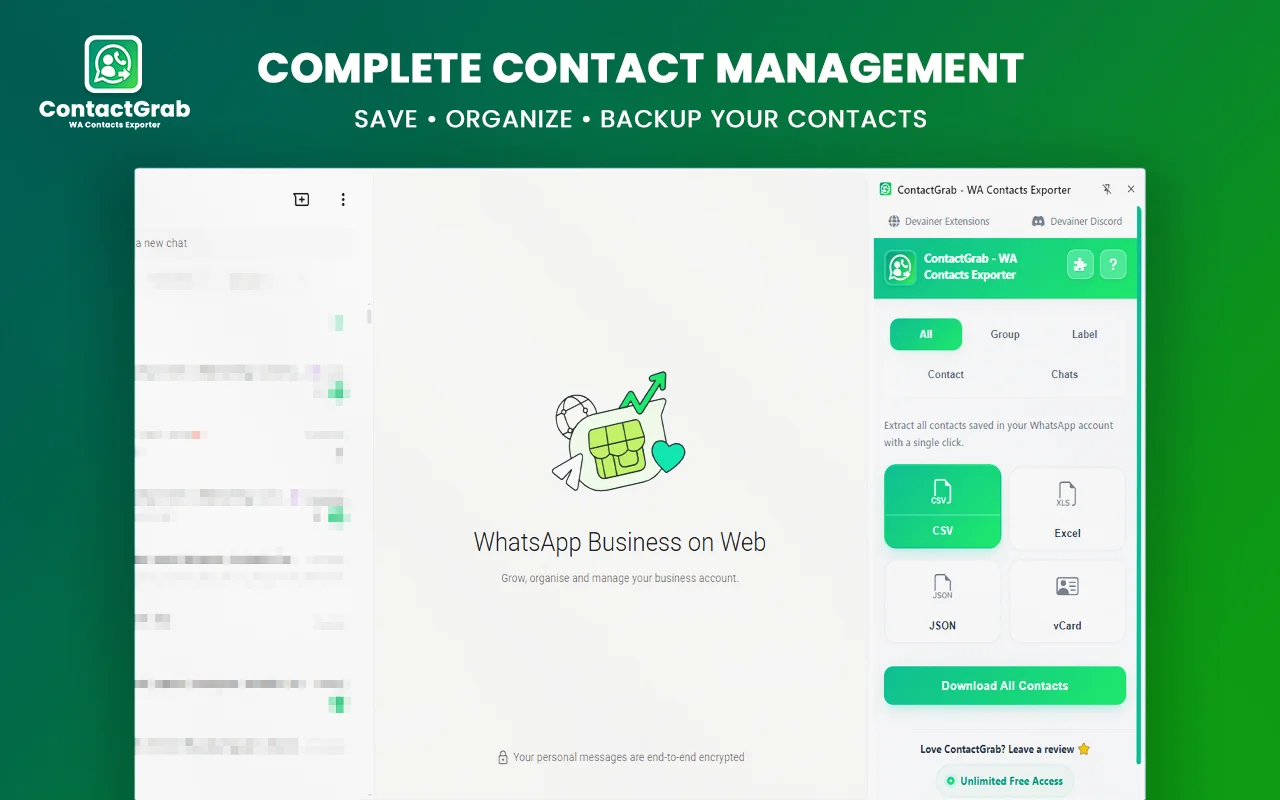
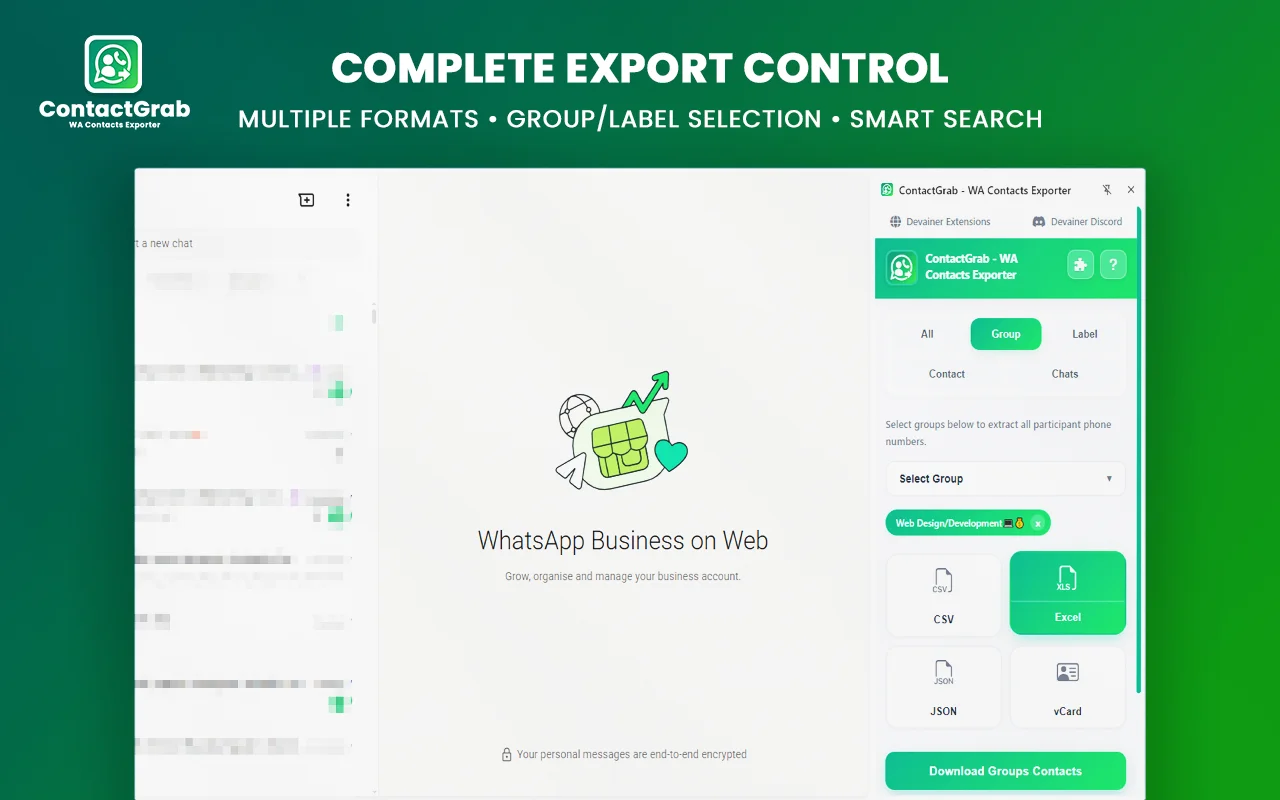
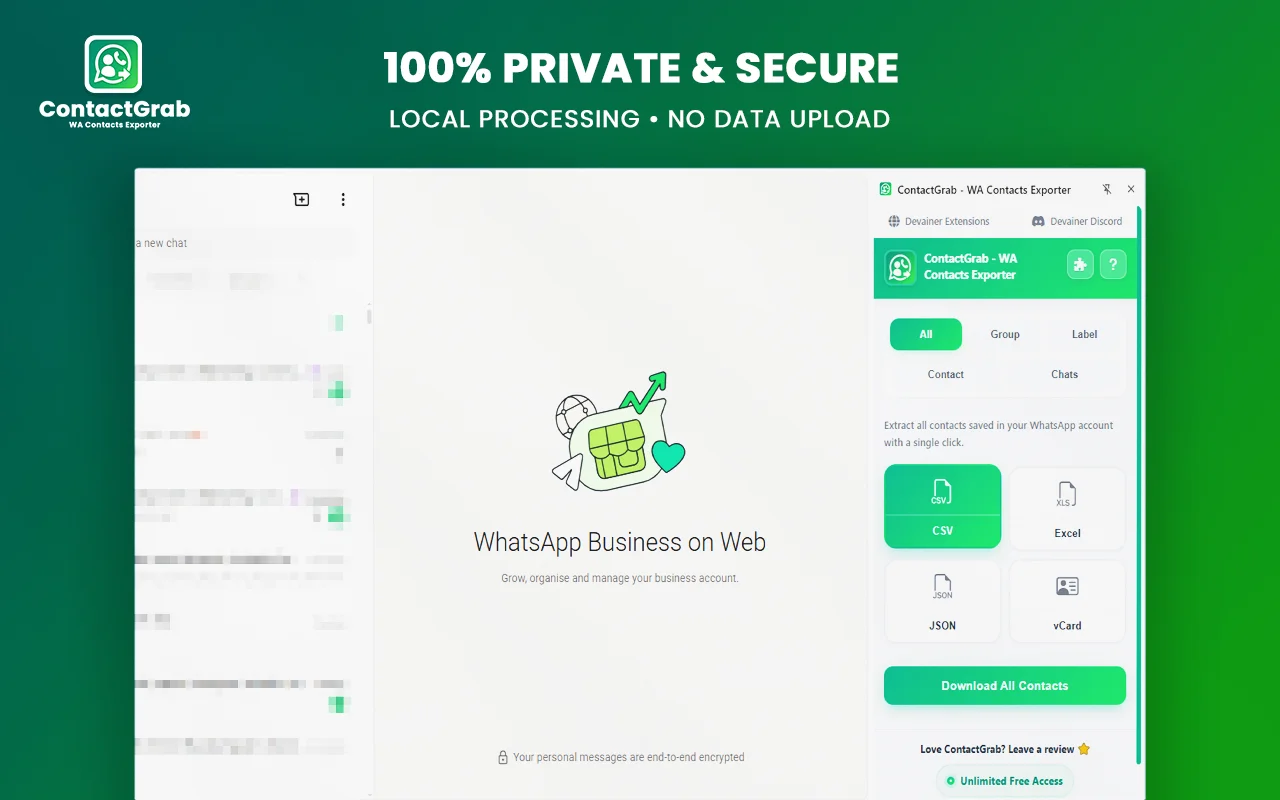
ContactGrab – WA Contacts Exporter can help export supported WhatsApp Web contacts into formats such as CSV, Excel (.xlsx), JSON, and vCard (.vcf). These formats serve different purposes:
- CSV: Useful for spreadsheets and basic data organization.
- Excel: Helpful when you need filters, columns, and structured worksheets.
- JSON: Suitable for compatible technical workflows and data processing.
- vCard: Useful for transferring supported contact information between address books.
After exporting, remove duplicates and check for incomplete or outdated records. A larger contact list is not automatically a better one. Accuracy and relevance matter more than volume.
A practical WhatsApp lead management system should also separate business contacts from personal contacts. Only include information you are authorized to use for your business activities.
2. Group Prospects by Their Needs
Not every person in your contact list is ready to buy. Some people may be asking for prices, others may be comparing providers, and some may already be customers.
Use clear categories to make your list easier to work with. For example:
- New inquiry: Someone who has recently contacted your business.
- Interested prospect: Someone who has shown a genuine interest in an offer.
- Needs follow-up: Someone who expects a response or additional information.
- Existing customer: Someone who has already purchased from you.
- Not interested: Someone who has declined your offer or asked not to be contacted.
You can also categorize contacts by product, service, location, or customer type when this information is relevant and lawfully collected.
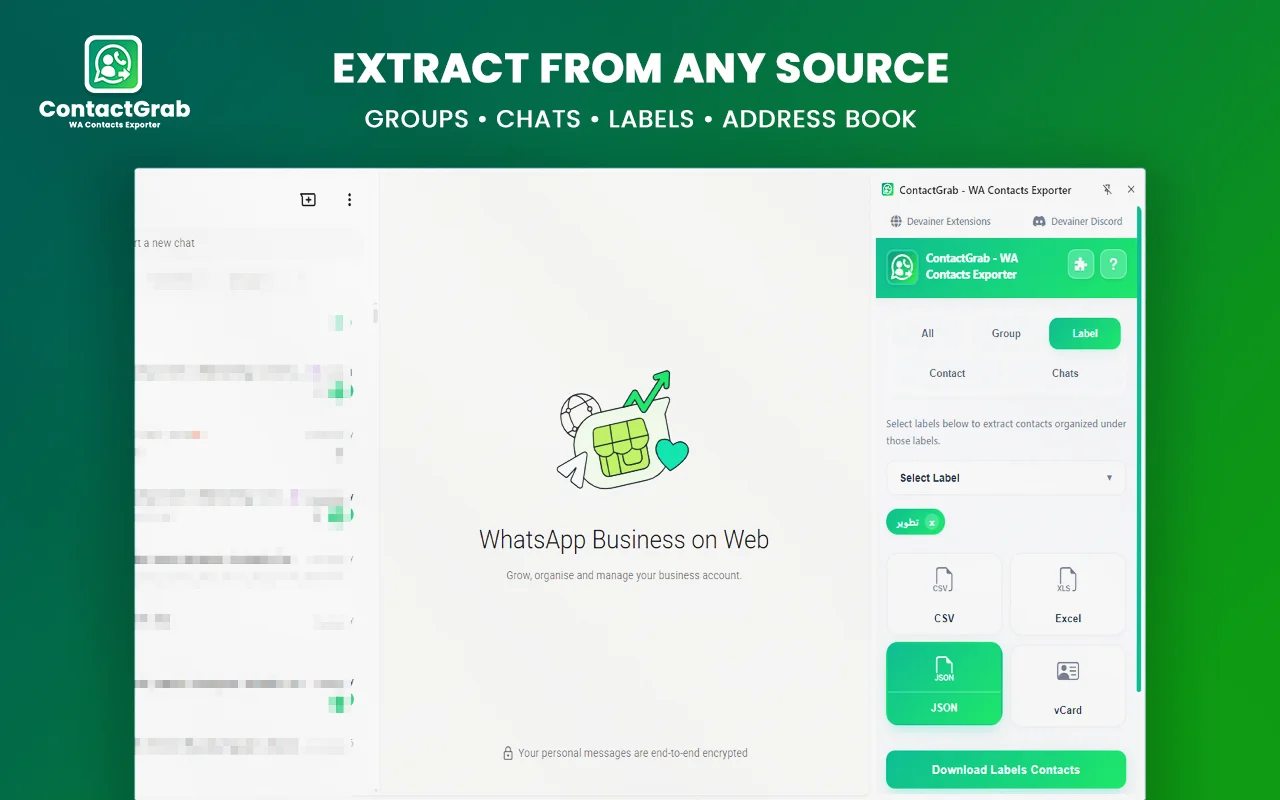
ContactGrab supports contact-export workflows involving available group or label filters, depending on the contact source and supported functionality. These filters may help you organize relevant records before working with them in a spreadsheet.
Remember that being a member of a WhatsApp group does not automatically mean someone is interested in your product. Group membership should never be treated as proof of buying intent or permission to send unsolicited promotions.
Good WhatsApp lead management depends on useful categories, not assumptions about people.
3. Record the Next Action for Every Active Lead
One of the most common sales problems is forgetting what should happen after a conversation. A prospect may request a quotation, ask for a product demonstration, or need time to discuss a decision.
If the next step exists only in someone’s memory, it can easily be missed.
Create a spreadsheet with columns such as:
| Field | Purpose |
|---|---|
| Contact name | Identifies the relevant person |
| Business context | Explains why the contact is relevant |
| Inquiry or need | Records the request or problem |
| Lead status | Shows the current stage |
| Last interaction | Helps establish context |
| Next action | Defines the next useful step |
| Follow-up date | Helps organize priorities |
| Permission or contact preference | Records relevant communication restrictions |
Use specific actions rather than vague reminders. For example, write “send requested quotation on Thursday” instead of “follow up later.”
This is where WhatsApp lead management becomes more than contact collection. It connects each legitimate business conversation to a clear next step.
Do not add sensitive personal details that you do not need. Keep records limited to relevant business information and make sure access is restricted appropriately.
4. Prioritize Leads Based on Real Interest
When you have many active conversations, responding to every contact in the same order may not be the most effective approach. Prioritize based on actual customer needs and agreed next steps.
For example, someone who requested a quotation today may need a faster response than a person who casually asked about your business several months ago. A current customer experiencing a service issue may also require immediate attention.
A simple priority system can help:
High priority: An active inquiry, a requested quotation, or an agreed next step with a clear deadline.
Medium priority: A prospect who has shown interest but needs additional information or time.
Low priority: An inactive conversation with no agreed next step.
These labels should reflect observable behavior, not assumptions about a person’s income, identity, or willingness to buy.
Review your active list at the beginning of each workday. Identify the most urgent requests, complete promised actions, and update each record afterward.
A practical WhatsApp lead management routine makes it easier to focus on real opportunities while ensuring that existing customers are not neglected.
5. Prepare Better Responses to Common Questions
Customers frequently ask similar questions about prices, availability, delivery, payment methods, product specifications, and return policies. Preparing accurate answers can reduce repetitive work and improve consistency.
Create a collection of approved response templates for common inquiries. Each template should contain verified information and allow room for details specific to the customer’s request.
For example, a quotation response might include the product or service requested, the current price, any applicable delivery costs, the estimated timeline, and the next step.
Avoid copying generic sales messages into every conversation. A useful reply should address the question the customer actually asked.
WhatsApp Business offers business-oriented features that may help with customer communication. You can review its official information here: WhatsApp Business.
Combine those communication practices with WhatsApp lead management by recording which questions are still unanswered and which customers are waiting for information.
Do not promise discounts, availability, delivery dates, or results unless you can support those claims. Accurate communication builds trust and reduces confusion later in the sales process.
6. Use Contact Exports to Reduce Manual Data Entry
Manually copying contact details into a spreadsheet can become repetitive, especially when a business has a large number of legitimate contacts to organize.
ContactGrab can help by exporting supported contacts from WhatsApp Web into a structured file. You can then use spreadsheet tools to sort records, remove duplicates, standardize names, and create a consistent format.
A practical workflow looks like this:
- Identify the contact records you are authorized to export.
- Choose the supported contact source or filter that matches your task.
- Export the relevant records into an appropriate format.
- Open the file in a compatible application.
- Remove duplicates and correct obvious formatting problems.
- Add only the business information needed for your workflow.
- Record the next action for active inquiries.
- Store the file securely and limit access.
Visit the official [ContactGrab website or extension listing] to confirm its current features and supported functionality before relying on it in your workflow.
Contact exports do not automatically import conversation histories, determine customer intent, or create a complete CRM. Verify what the tool actually exports and avoid assuming that every field or source is supported.
Used appropriately, contact exports can support WhatsApp lead management by reducing repetitive copying and making contact records easier to review. They do not replace thoughtful sales conversations or follow-up decisions.
7. Keep Your Contact Data Accurate and Secure
Outdated phone numbers, duplicate records, and inconsistent names can waste time. They may also lead to messages being sent to the wrong person.
Schedule a regular review of your business contact records. Depending on your activity, this might happen weekly or monthly.
During each review:
- Remove duplicate entries where appropriate.
- Correct formatting inconsistencies.
- Update records when customers provide new information.
- Mark inactive opportunities clearly.
- Respect requests not to receive further marketing messages.
- Delete information that you no longer need or have a lawful reason to retain.
Security is equally important. A spreadsheet containing names and phone numbers should not be shared publicly or stored in an unrestricted folder. Use appropriate access controls, secure storage, and retention practices.
ContactGrab describes its processing as client-side, but you should independently review the current extension permissions, privacy policy, and store listing before using it with business data. Do not assume that a privacy claim eliminates your own responsibilities.
For UK-related privacy requirements, the Information Commissioner’s Office provides guidance on handling personal data. Businesses operating elsewhere should also review the laws that apply in their own jurisdictions.
Responsible WhatsApp lead management means collecting only what is necessary, protecting it, and respecting people’s communication preferences.
8. Measure the Results of Your Sales Process
A contact list can look impressive without producing meaningful business results. Measure the quality of your process instead of focusing only on the number of records you have.
Useful metrics include:
- Response time: How quickly your business responds to legitimate inquiries.
- Follow-up completion: The percentage of planned actions completed on time.
- Qualified inquiry rate: The proportion of inquiries that genuinely match your offer.
- Quotation-to-sale rate: The percentage of quotations that result in purchases.
- Repeat customer activity: The number of customers who return for additional purchases.
- Record accuracy: How often contact information is complete and up to date.
Choose a small number of metrics that match your business model. Review them consistently and look for practical improvements.
For example, if many customers request quotations but few proceed, investigate whether your offer is clear, pricing is appropriate, or responses address their needs. Do not assume that sending more messages is automatically the answer.
A well-managed WhatsApp lead management process makes it easier to understand what is happening between the first inquiry and the final sale.
It is also important to interpret your numbers honestly. A change in sales may be related to pricing, demand, seasonality, product quality, or other factors—not just your contact organization system.
9. Know When to Upgrade from a Spreadsheet to a CRM
A spreadsheet can be sufficient for a small business with a manageable number of active prospects. However, as your team and workload grow, spreadsheets may become difficult to maintain.
You may need a dedicated CRM when several employees handle the same customers, follow-ups are frequently missed, reporting becomes complicated, or you need a clearer record of customer interactions.
Before choosing a platform, list the problems you need it to solve. Consider access permissions, integrations, data export options, pricing, support, and privacy requirements.
ContactGrab can support the contact-export part of a workflow, but it should not be confused with a full CRM or an automated sales system. Exporting contacts alone does not provide pipeline management, sales forecasting, automated follow-ups, or guaranteed conversions.
Start with the simplest system that reliably meets your needs. Upgrade when you can identify a specific limitation that a more advanced tool would solve.
The best WhatsApp lead management setup is the one your team can use consistently, maintain securely, and improve as the business changes.
Common WhatsApp Lead Management Mistakes to Avoid
Even a simple workflow can fail when its rules are unclear. Watch out for these common mistakes:
Collecting contacts without a purpose. A phone number is not automatically a potential customer. Focus on relevant business relationships and legitimate inquiries.
Treating group members as leads. Group membership does not establish that someone wants promotional messages from you.
Failing to update records. An outdated spreadsheet can be less useful than a smaller, accurate list.
Sending repeated unsolicited messages. Unwanted outreach can damage trust and may violate applicable laws or platform policies. Respect opt-outs and communication preferences.
Expecting an export tool to do the entire job. Contact exports can help with organization, but customer qualification, communication, and sales decisions still require an appropriate process.
Measuring activity instead of results. A large contact list or high message count does not prove that your sales process is effective.
Avoiding these mistakes makes WhatsApp lead management more sustainable and helps keep your workflow focused on genuine customer needs.
Cross-Platform Prospecting: Combining WhatsApp Lead Management with B2B Lead Generation
While building a repeatable WhatsApp lead management process—organizing chats, tracking inquiries, and exporting authorized contacts into clean spreadsheets—solves immediate operational bottlenecks, top-tier agencies and sales teams build predictable monthly retainers by pairing contact organization with outbound B2B lead generation. Exporting direct business numbers, customer groups, and supplier records allows you to build structured databases for multi-channel sales and CRM integrations. Once your authorized contact records are organized and cleaned using ContactGrab, pairing your workflow with an advanced B2B Lead Generation Tool ensures that you can harvest verified professional emails and executive leads directly from supported web sources—delivering a comprehensive data organization and prospect generation package that commands premium commercial value.
Frequently Asked Questions
What is WhatsApp lead management?
WhatsApp lead management is the process of organizing relevant contacts, tracking customer inquiries, recording next steps, and following up appropriately. It can be managed with a spreadsheet, a contact management tool, or a CRM, depending on business needs.
Can ContactGrab help with WhatsApp lead management?
ContactGrab can export supported WhatsApp Web contacts into formats such as CSV, Excel, JSON, and vCard. These files can help with contact organization, but the tool should not be treated as a full CRM or a system that automatically identifies qualified leads.
Does exporting contacts guarantee more sales?
No. Exporting contacts may reduce manual data entry and make records easier to organize, but sales depend on factors such as customer needs, product quality, pricing, communication, timing, and the overall sales process.
Is it safe to export WhatsApp contacts?
Safety depends on the tool, its permissions, its current data-handling practices, and how you use and store the exported information. Review the extension’s current privacy documentation, export only information you are authorized to use, and protect the resulting files.
How often should I review my lead list?
Review active leads regularly—often daily for next actions and weekly for a broader cleanup. The right schedule depends on how many inquiries your business receives and how quickly customers expect responses.
Should I use a spreadsheet or a CRM?
A spreadsheet may be enough when your contact list and sales process are simple. A CRM becomes more useful when multiple people manage leads, reporting is important, or manual tracking regularly causes missed actions.
Final Thoughts
Better sales management does not start with collecting the largest possible number of phone numbers. It starts with organizing relevant contacts, understanding customer needs, completing promised follow-ups, and learning from measurable results.
By applying these nine strategies, you can build a practical WhatsApp lead management workflow that supports more consistent communication and clearer business records. ContactGrab can help with the contact-export stage, while your spreadsheet, CRM, and sales process handle the organization and follow-up work.
Start with one improvement: organize your active contacts, record the next action for each genuine inquiry, and review your progress regularly. Expand the system only when your business needs it.
The objective is simple: manage conversations more effectively, serve customers responsibly, and create a clearer path from inquiry to sale.
Ready to Scale Your WhatsApp Sales Workflow Safely?
Stop wasting hours on manual copying, pasting, and tracking scattered customer chats. Export eligible WhatsApp contacts, organize structured spreadsheets, and manage your sales pipeline securely with 100% on-device browser processing, multi-format file exports, and zero server logging.
👉 Discover, Explore, and Install ContactGrab Directly from Devainer Extensions
Visit our official Devainer Extensions hub to explore our complete suite of privacy-first business, productivity, and social media tools, read detailed documentation, and safely integrate secure browser automation directly into your sales workflow today.