

How to Make $500/Month with WhatsApp Contacts: A Powerful Business Guide
WhatsApp is one of the places where small businesses build customer relationships, communicate with suppliers, and manage professional communities. But when contact information is spread across chats, groups, labels, and address books, organizing it can become a time-consuming task. This creates an opportunity for freelancers who can turn scattered information into useful, well-organized business records.
With ContactGrab – WA Contacts Exporter, you can export eligible WhatsApp contacts into CSV, Excel, JSON, or vCard formats. Instead of spending hours copying information manually, you can focus on organizing files, cleaning spreadsheets, and helping clients maintain their records.
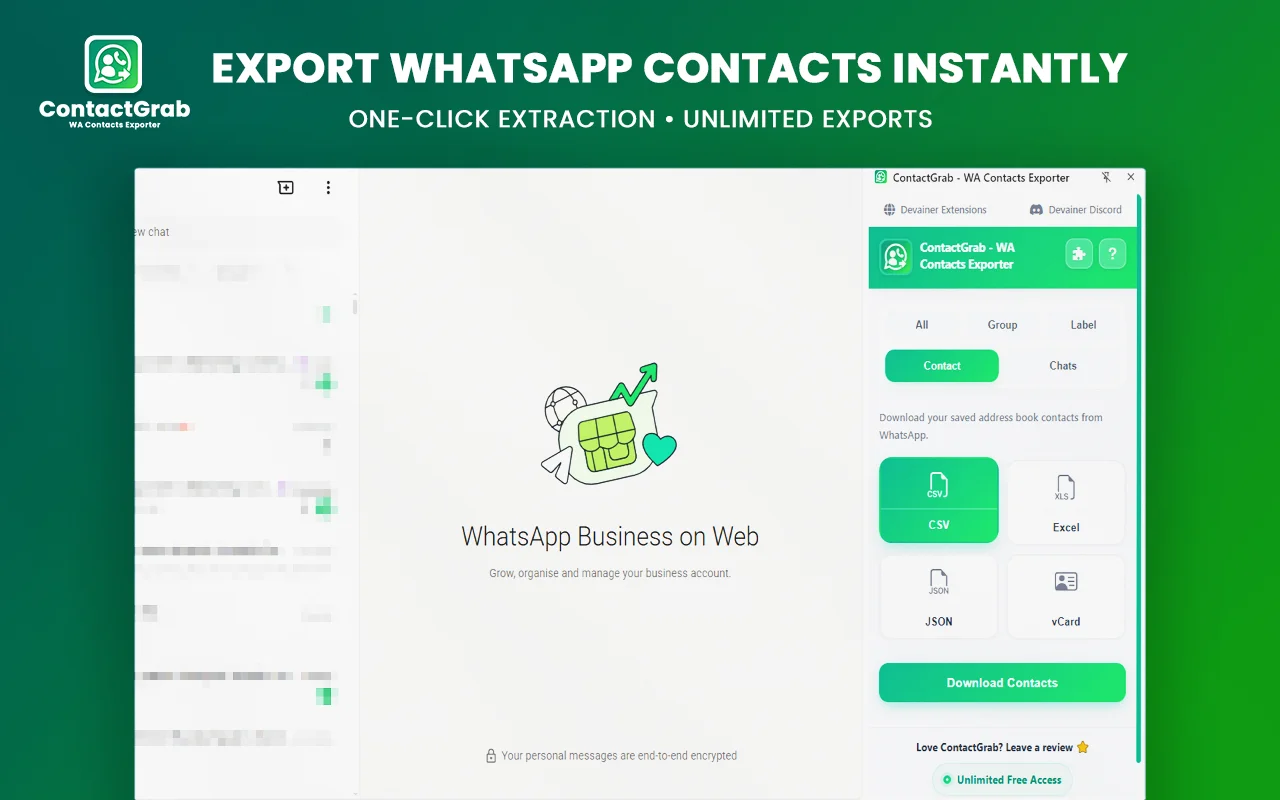
If you want to make money with WhatsApp contacts, the practical approach is to sell a service that solves an administrative problem. Businesses may pay for data organization, contact backups, spreadsheet formatting, and ongoing record maintenance when those services save them time.
A goal of earning $500 per month can provide a useful business target. Reaching it depends on your skills, pricing, available clients, and ability to deliver consistent work. Here is how you can build a service around ContactGrab and turn a simple export process into a professional freelance offer.
Organize WhatsApp Contacts into Valuable Business Records
Managing WhatsApp contacts can become difficult when customer details are scattered across chats, groups, labels, and saved address books. ContactGrab makes it easier to export eligible WhatsApp contacts into CSV, Excel, JSON, or vCard files. Freelancers can turn these exports into organized business records by formatting spreadsheets, identifying duplicate entries, and arranging authorized contacts into useful categories. Businesses can then review their WhatsApp contacts more efficiently without spending hours copying information manually.
What Is ContactGrab and How Can It Help?
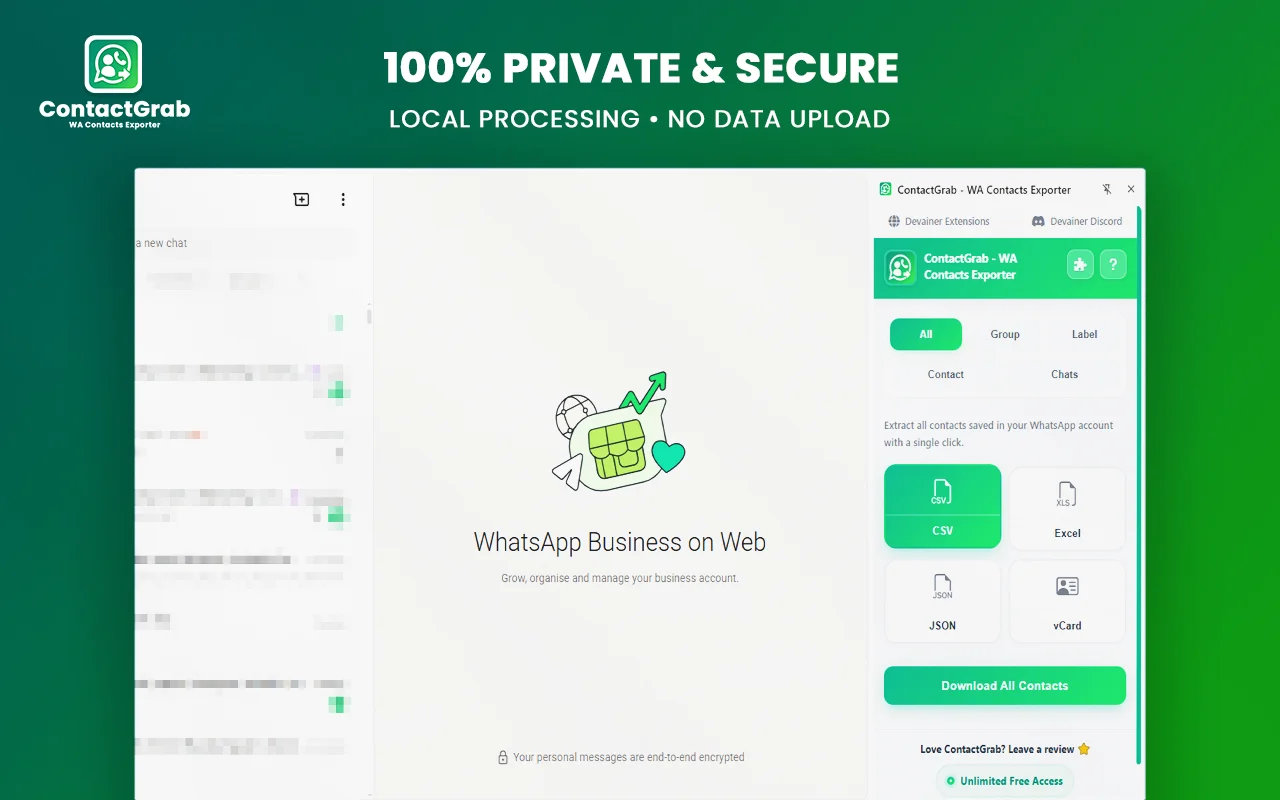
ContactGrab is a browser extension designed to export contacts from WhatsApp Web. Its supported extraction sources include saved contacts, groups, custom labels, the address book, and active chats. It also provides multiple export formats for different workflows.
CSV and Excel files are useful when clients need to review, filter, or organize records in a spreadsheet. JSON can help with technical workflows, while vCard files can be useful when transferring contact records to compatible address books and phones.
The extension is designed to process extraction locally in the browser rather than upload contact data to an external server. Nevertheless, anyone handling exported files must still protect personal information and obtain appropriate authorization.
ContactGrab does not automatically create a profitable business. Your opportunity comes from providing a useful service around the exported information, including quality checks, organization, documentation, and secure delivery.
1. Offer WhatsApp Contact Organization Services
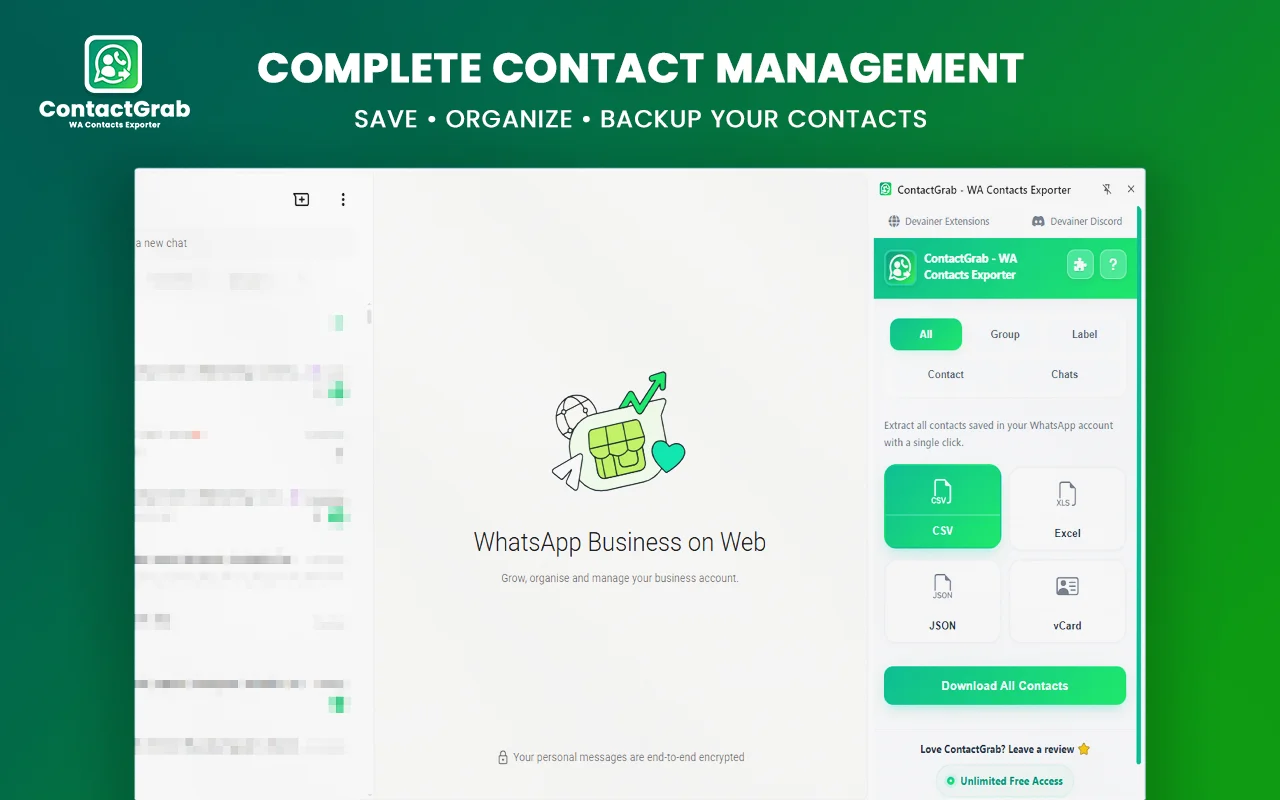
Small businesses may have customer details scattered across conversations, saved contacts, and different groups. When they need to review their records, manually copying names and numbers into a spreadsheet can take hours.
You can offer a contact organization service that turns authorized contact information into a structured file. Start by discussing the client’s needs, identifying which contacts they are permitted to manage, and choosing an appropriate export format.
After exporting the approved information with ContactGrab, review the file for duplicate entries, inconsistent headings, blank fields, and formatting problems. Organize the data into useful columns and create separate categories only when the client needs them.
For example, a local service business might want separate records for existing customers, suppliers, and business partners. The final deliverable could include a clean Excel spreadsheet, clearly named tabs, and a short guide explaining how to maintain the file.
Charge for the work involved in preparing and checking the records rather than simply charging for access to phone numbers.
2. Create Clean Excel and CSV Contact Files
Not every client needs a complicated system. Many simply want a spreadsheet they can understand and update without technical knowledge.
You can specialize in preparing WhatsApp contacts for spreadsheet use. Export the relevant records with ContactGrab, inspect the results, and organize the information into a consistent structure.
Possible tasks include standardizing column headings, separating available names and phone numbers, identifying exact duplicate rows, and applying filters that make records easier to review. You can also create a separate sheet for incomplete records so the client can check them manually.
Offer different service levels. A basic package might cover one export and simple formatting. A larger package could include multiple authorized sources, duplicate checks, categorized worksheets, and a written summary of the changes.
Be careful not to invent missing details or assume that similar names belong to the same person. Phone numbers and names may be incomplete, and different people can share the same name. Flag uncertain records instead of silently changing them.
3. Prepare Contact Backup and Transfer Files
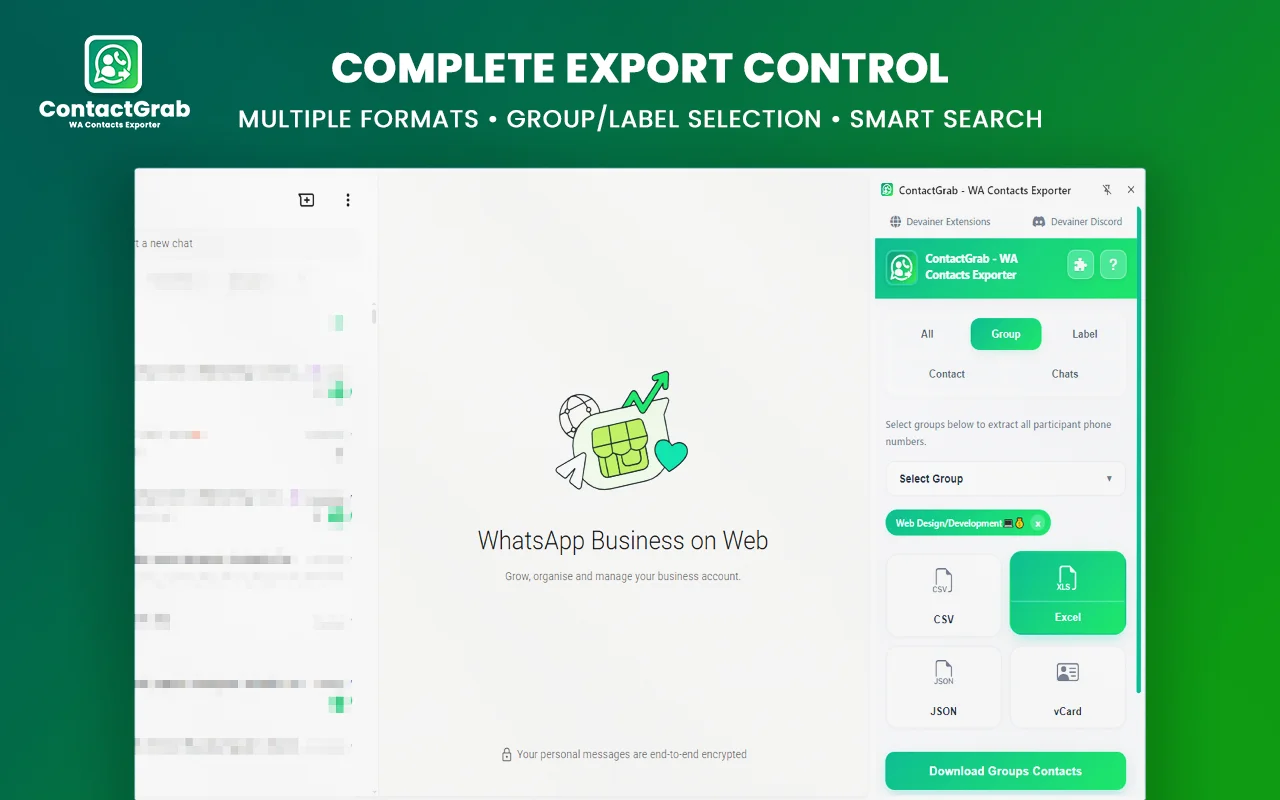
Another service opportunity is helping people prepare portable contact files. A freelancer might work with a business owner who wants a copy of eligible contacts for recordkeeping or needs to transfer contact records to a compatible address book.
ContactGrab supports CSV, Excel, JSON, and vCard exports. Each format serves a different purpose, so ask the client what they plan to do with the file before starting.
A spreadsheet may be best for reviewing and filtering records. A vCard file may be more suitable for importing contacts into compatible applications. JSON can be useful when a developer or technical system needs structured data.
A professional delivery should include descriptive file names, a date, and simple instructions for using the selected format. If the client intends to import contacts into another application, test a small sample first and check that the destination supports the format.
Do not describe a contact export as a complete WhatsApp account backup. ContactGrab is intended for contact extraction, not for backing up every conversation, photo, video, or account setting.
4. Help Businesses Maintain Customer Records
Some businesses need to review their own contact records regularly. Phone numbers change, employees leave, suppliers are replaced, and records become inconsistent over time.
You can offer a contact maintenance service in which you help a client review and organize authorized records on an agreed schedule. The work might include preparing an updated export, checking formatting, identifying duplicates, and delivering a revised spreadsheet.
For example, a small business could commission a monthly review of its approved business contact records. You would agree on the sources, file format, delivery date, and retention policy before beginning.
Be transparent about what the service can achieve. ContactGrab can help with exporting information from supported sources, but it should not be presented as an automatic synchronization system or a guarantee that every contact change will be detected.
Recurring work can be valuable because it gives clients a consistent process and gives you a clearer view of your workload.
5. Organize Contacts for Community Administrators
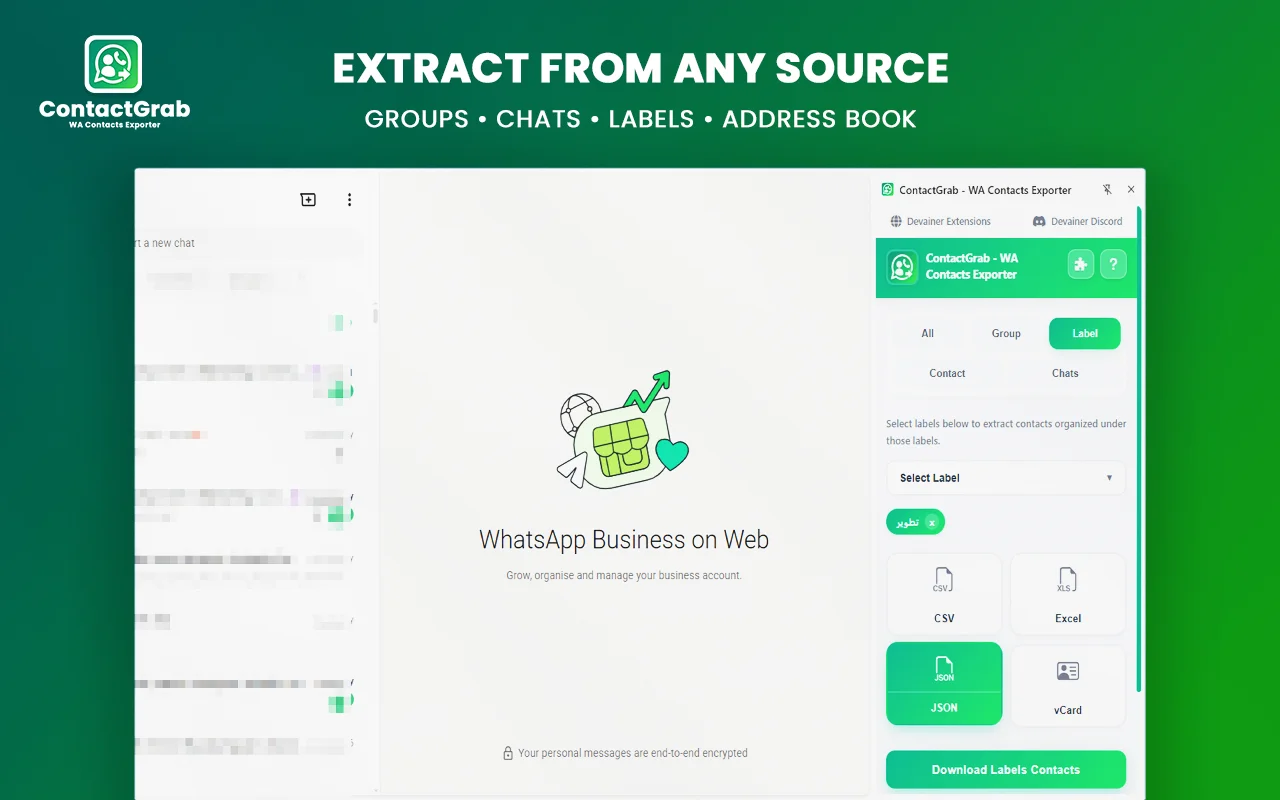
Professional groups, classes, clubs, and volunteer communities may need organized directories for legitimate administrative purposes. Their organizers might want a record of approved coordinators, volunteers, or members who have agreed to be included in a directory.
You can offer a directory preparation service, provided the organizer has permission to handle the information. Begin by defining the purpose, identifying the approved participants, and determining which fields are actually necessary.
ContactGrab’s group and label options may help with the export stage when the relevant information is available through WhatsApp Web. Afterward, prepare a structured file that makes the approved records easy to review.
Do not assume that joining a WhatsApp group automatically means someone has consented to having their phone number collected for unrelated purposes. Avoid exporting or sharing participants’ information without appropriate authorization, and never resell a community contact list.
6. Provide Contact Data Cleanup for Freelancers and Agencies
Virtual assistants, web agencies, and administrative service providers may already work with spreadsheets and customer records. Some may prefer to outsource contact cleanup rather than spend their own time on repetitive formatting.
You can position yourself as a specialist who handles authorized contact exports and prepares organized deliverables. Your process might include exporting the required records, cleaning the spreadsheet, documenting changes, and delivering the final files securely.
Create a sample using fictional names and numbers to demonstrate your work. Show how you transform an untidy spreadsheet into a clear, consistent document without exposing real contact details.
You can approach potential partners through freelance marketplaces, referrals, professional communities, or public business inquiry channels. Explain exactly what you provide and how the service could reduce administrative work.
An agency relationship may lead to repeat projects, but do not assume that recurring work is guaranteed. Start with a clearly scoped trial, agree on pricing, and establish how client data will be transferred and deleted.
7. Build a Contact Management Service Package
Once you understand which tasks clients need most, combine them into a straightforward service package. This makes it easier for prospects to understand what they are buying and helps you estimate how long a project will take.
For example, your basic service could include one authorized ContactGrab export and a formatted CSV or Excel file. A standard package could add duplicate review, categorized sheets, and a quality check. A recurring package could cover scheduled reviews and updated files under an agreed scope.
Make your deliverables clear before accepting payment. Specify the number of files, supported formats, expected turnaround time, revision policy, and any limitations caused by incomplete source data.
Your service should not promise more sales, guaranteed customer growth, or a perfect list. Focus on outcomes you can control: organized records, consistent formatting, documented changes, and a reliable delivery process.
You can explore more online business and freelancing topics through MoneyEarn.net, then use your own portfolio and professional profiles to demonstrate your services.
How to Work Toward $500 per Month
A $500 monthly target can be broken down into project revenue. For example, five projects priced at $100 each would total $500 before expenses and taxes. Ten projects at $50 each would produce the same gross amount, but they might require more communication and administration.
These are pricing examples, not a promise of typical earnings. Your rates should reflect the work required, the market you serve, and your experience.
Start by timing a small sample project. Include client discussions, exporting, cleanup, quality checks, revisions, and delivery. Then calculate a price that makes the full workload worthwhile.
To find clients, prepare a short service description and a sample spreadsheet using fictional data. Approach suitable businesses through professional channels and ask about their actual administrative needs. Avoid unsolicited bulk messages to exported contacts.
After completing a project, request feedback and improve your workflow. If a client has a genuine continuing need, offer a recurring service with clear deliverables and a mutually agreed schedule.
Privacy, Security, and Responsible Data Handling
Contact information is personal data. Before extracting or processing it, confirm that the client is authorized to manage the relevant records and that the proposed use is appropriate.
ContactGrab describes its extraction process as local to the active browser session, without uploading contact names or phone numbers to its external servers. However, exported files can still be exposed if they are emailed insecurely, stored on a shared computer, or sent to unauthorized recipients.
Use secure transfer methods, limit access to the files, collect only the necessary information, and agree on when working copies should be deleted. Do not collect contacts from accounts you do not control or have permission to access.
For more information about protecting personal information, consult the UK Information Commissioner’s Office guidance on data protection. For spreadsheet workflows, you can also review Microsoft’s Excel support resources.
Cross-Platform Prospecting: Combining WhatsApp Management with B2B Lead Generation
While organizing scattered WhatsApp chats, groups, and customer address books into clean, formatted spreadsheets solves immediate administrative problems for small businesses, top-tier freelancers build predictable recurring retainers by pairing contact management with outbound lead generation. Extracting direct business numbers, customer groups, and supplier records allows you to build structured databases for multi-channel sales and CRM integrations. Once your client’s authorized contact records are organized and cleaned using ContactGrab, pairing your routine with an advanced B2B Lead Generation Tool ensures that you can harvest verified professional emails and executive leads directly from supported web sources—delivering a comprehensive data organization and prospect generation package that commands premium monthly agency retainers.
Frequently Asked Questions
Can you make money with WhatsApp contacts?
You may earn money by offering legitimate services such as contact organization, spreadsheet formatting, data cleanup, and authorized backup preparation. ContactGrab helps with exporting eligible contacts, while the paid service comes from the work you perform for clients.
Is ContactGrab free to use?
ContactGrab is presented as a free extension with unlimited exports. Check its current listing and terms before using it for a client project, since product features and availability can change.
Which formats does ContactGrab support?
The extension supports CSV, Excel (.xlsx), JSON, and vCard (.vcf). The best format depends on whether the client wants to review records, process structured data, or transfer contacts to a compatible address book.
Can ContactGrab export contacts from WhatsApp groups?
It supports group extraction and filtering. The contacts available depend on the current WhatsApp Web session and the extension’s functionality. Always obtain appropriate authorization before collecting or processing group members’ details.
How long does a contact organization project take?
The time depends on the number of records, the number of sources, data quality, and the amount of cleanup requested. Complete a small test first so you can provide a realistic estimate.
Is $500 per month guaranteed?
No. It is a target you can use to plan your pricing and workload. Actual income depends on finding clients, delivering useful work, setting sustainable prices, and managing expenses.
Is it safe to sell exported WhatsApp contact lists?
You should not sell people’s contact details as a list without proper authorization and a lawful basis. A more responsible business model is to charge for organizing a client’s own authorized records and securely returning the results to that client.
Conclusion
ContactGrab can support a practical freelance service built around WhatsApp contact organization. You can prepare spreadsheets, clean exported records, create compatible transfer files, help businesses maintain their own directories, and work with agencies that need administrative support.
The opportunity is not simply exporting WhatsApp contacts. It is solving a real problem for a client who needs accurate, organized records and does not want to spend hours preparing them manually.
Start with one clearly defined service, create a sample using fictional data, and test your offer with suitable prospects. Track the time each project requires, improve your process, and build recurring services only when clients have a genuine ongoing need.
Turn WhatsApp Contacts into a Professional Freelance Service
If you want to make money with WhatsApp contacts, focus on helping businesses manage their own contact information rather than selling contact lists. You can offer WhatsApp contacts export, spreadsheet cleanup, contact backup preparation, and ongoing data organization. Using ContactGrab to export authorized WhatsApp contacts gives you a starting point, while your formatting, quality checks, and secure delivery provide the professional value. As your portfolio grows, you can offer these WhatsApp contacts management services to small businesses, virtual assistants, and agencies that need reliable administrative support.
Ready to Scale Your WhatsApp Agency Services Safely?
Stop wasting hours on manual copying, pasting, and formatting scattered customer chats. Export eligible WhatsApp contacts, organize spreadsheets, and deliver professional data records securely with 100% on-device browser processing, multi-format file exports, and zero server logging.
👉 Discover, Explore, and Install ContactGrab Directly from Devainer Extensions
Visit our official Devainer Extensions hub to explore our complete suite of privacy-first business, productivity, and social media tools, read detailed documentation, and safely integrate secure browser automation directly into your freelance workflow today.